Ports
HDMI + nVidia#
keywords: Screen, Gray, Washed Out
Problem#
Black colors may look washed out and gray if you connect your PC to its display via an HDMI cable.
Solution#

Chinese Ver:#
英伟达显卡,驱动会导致显示默认发灰。需要设置 https://post.smzdm.com/p/aekzrwl4/
DVI#
Digital Visual Interface,中文称为“数字视频接口”
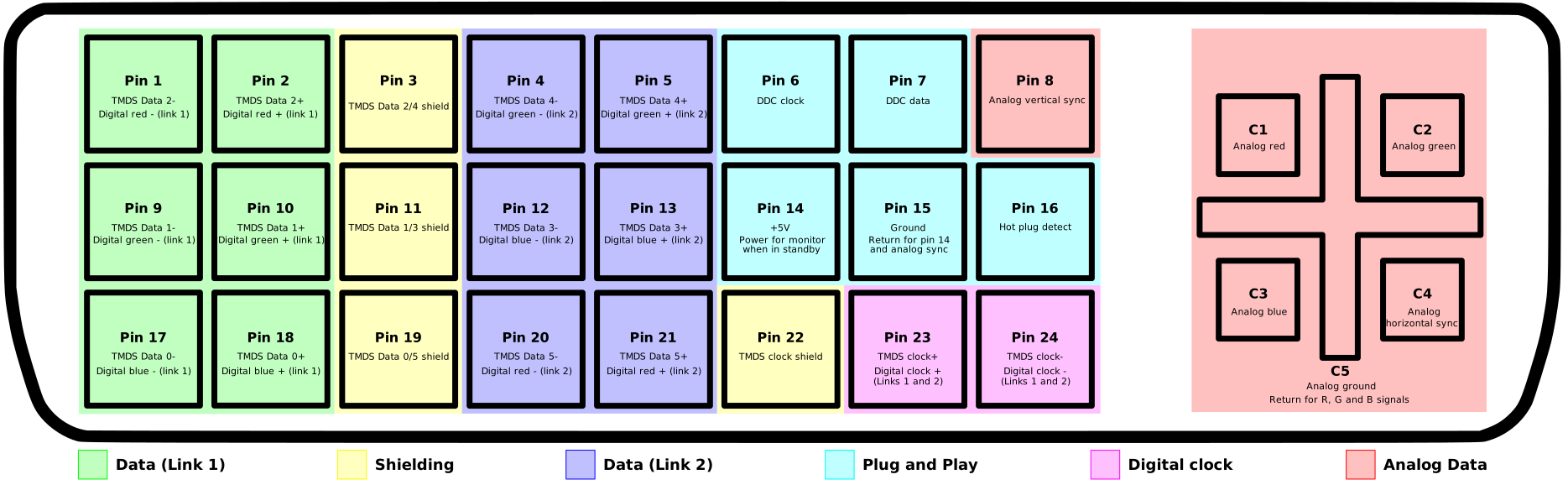
Different types of DVI#

what I did:#
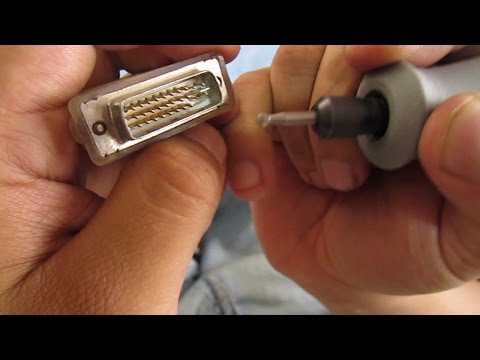
why it won't work:#
https://forums.tomshardware.com/threads/converting-dvi-i-to-dvi-d-by-removing-4-pins.2822259/ That wont work. the Reason DVI-I to vga works is because DVI-I carries an analog signal. DVI-D does not carry an analog signal so it requires an active converter to convert the DVI-D's digital signal into the VGA's analog signal. Those 4 pins you think are ground are actually part of the analog signal.
trivia#
The limit of bandwidth of both VGA and DVI cable is not enough for higher than 2560*1600@60fps, which includes 4K.